
Collect four cans. Open the Sprite gift box.
Explore the Tan Jianci limited editions, add photos for the heart, T, J and C cans, and follow the gift box, claim details and prize history in the original Chinese interface.
 Offline
From one can of Sprite to a set of four.
Swipe through the original campaign, can gallery, collection, draw and claim screens.
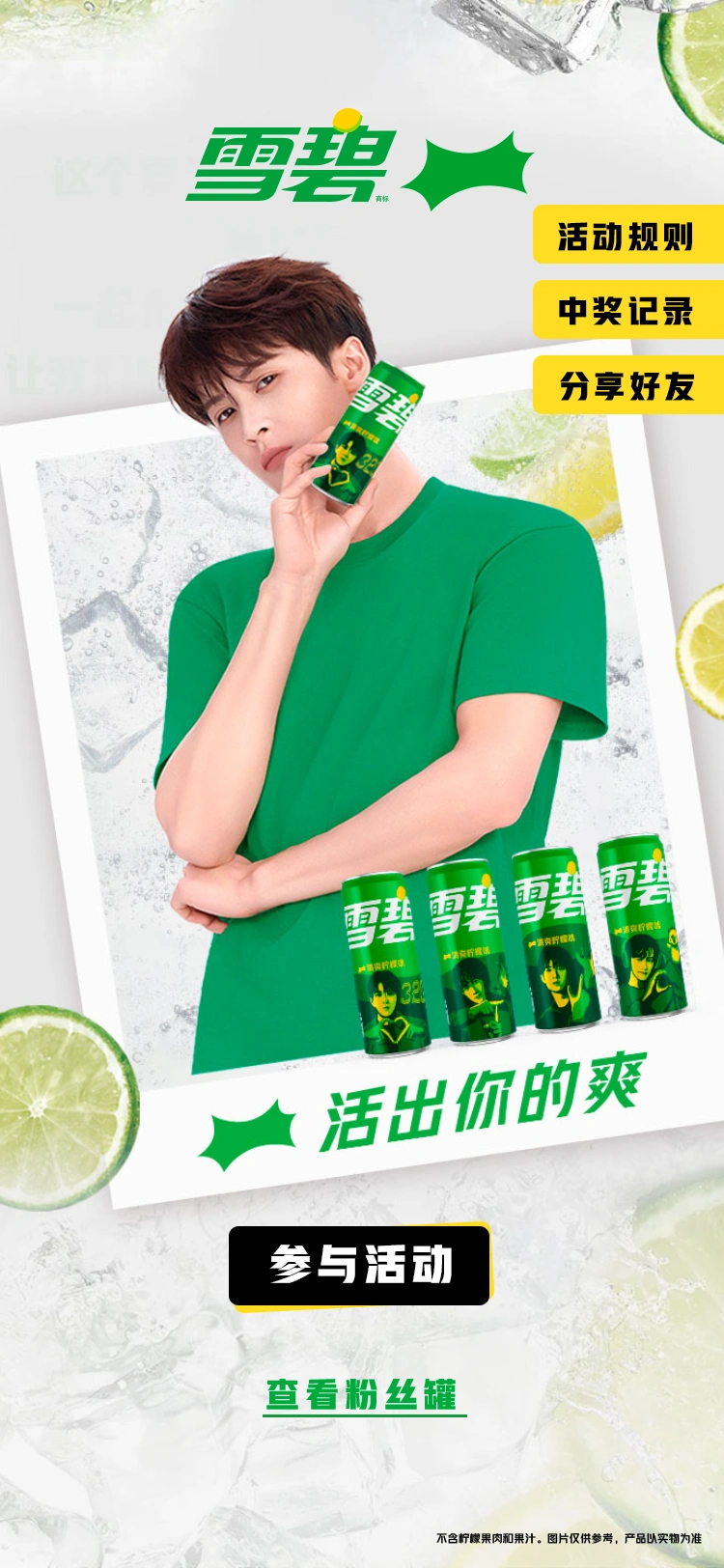
Enter the campaign
Find the rules, can gallery and prize history from the Sprite landing screen.
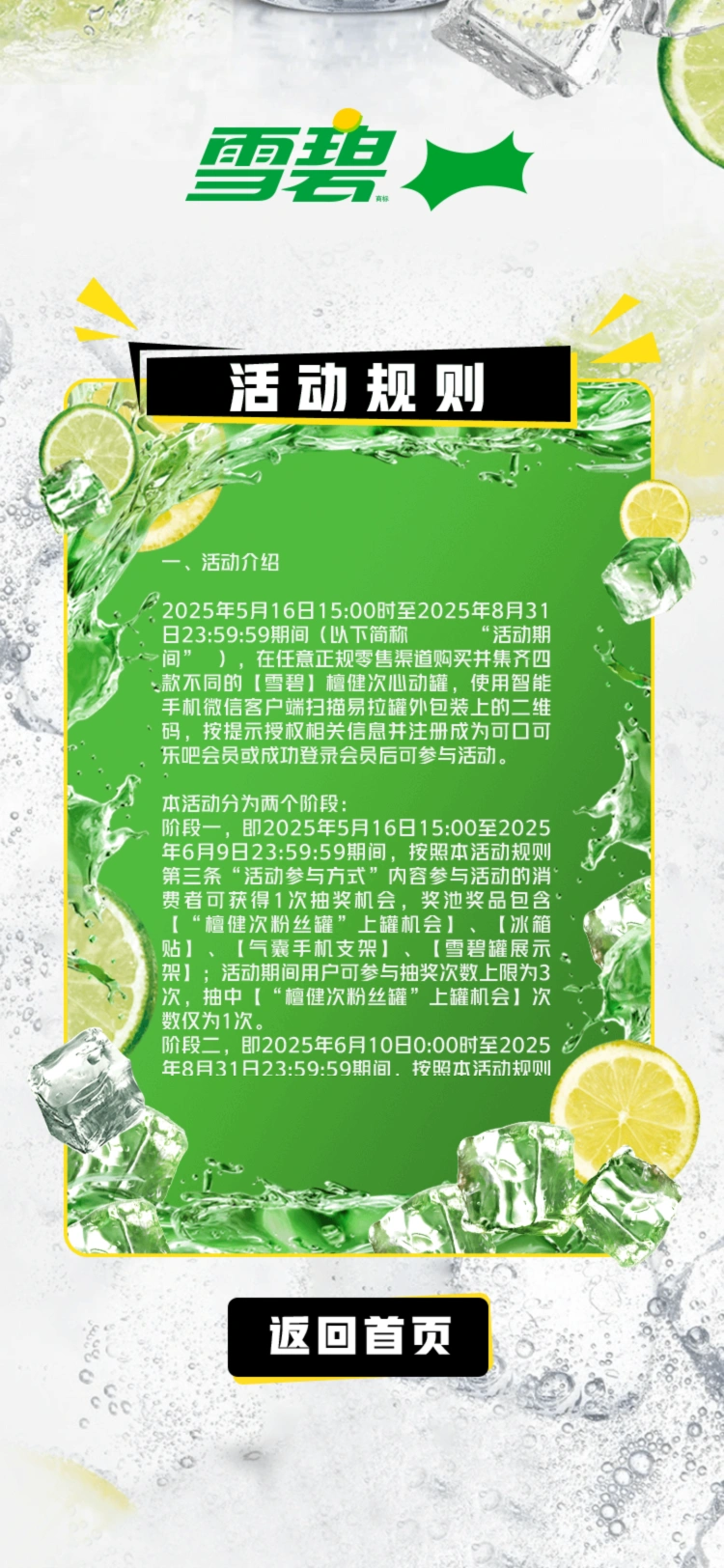
Read the entry rules
Scroll through the original terms for collecting cans and claiming prizes.
Discover the fan edition
Open the fan edition feature from the landing screen and continue to the can gallery.
Browse the can designs
Move between the views of the heart, T, J and C cans.
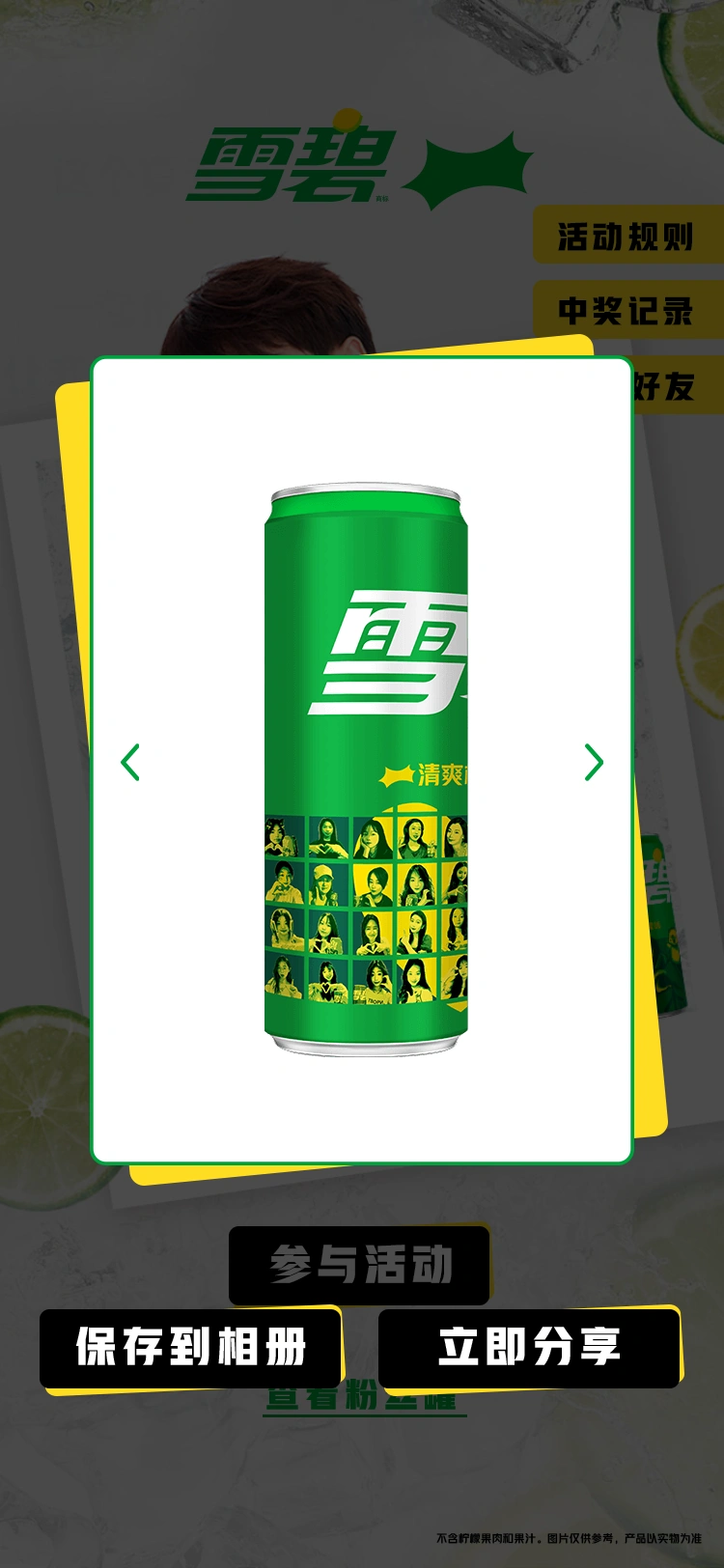
See the full-size artwork
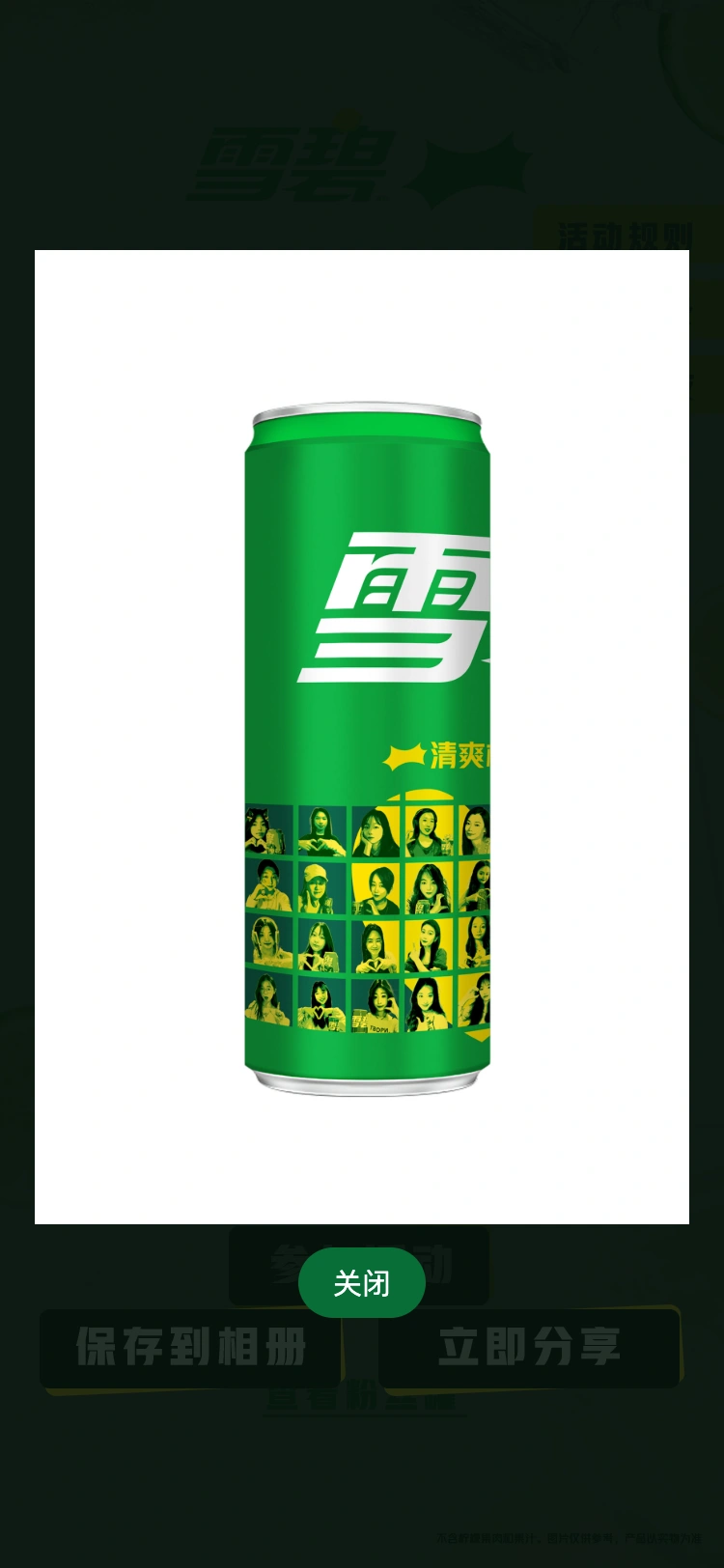
Select a can to open its original artwork at a larger size.
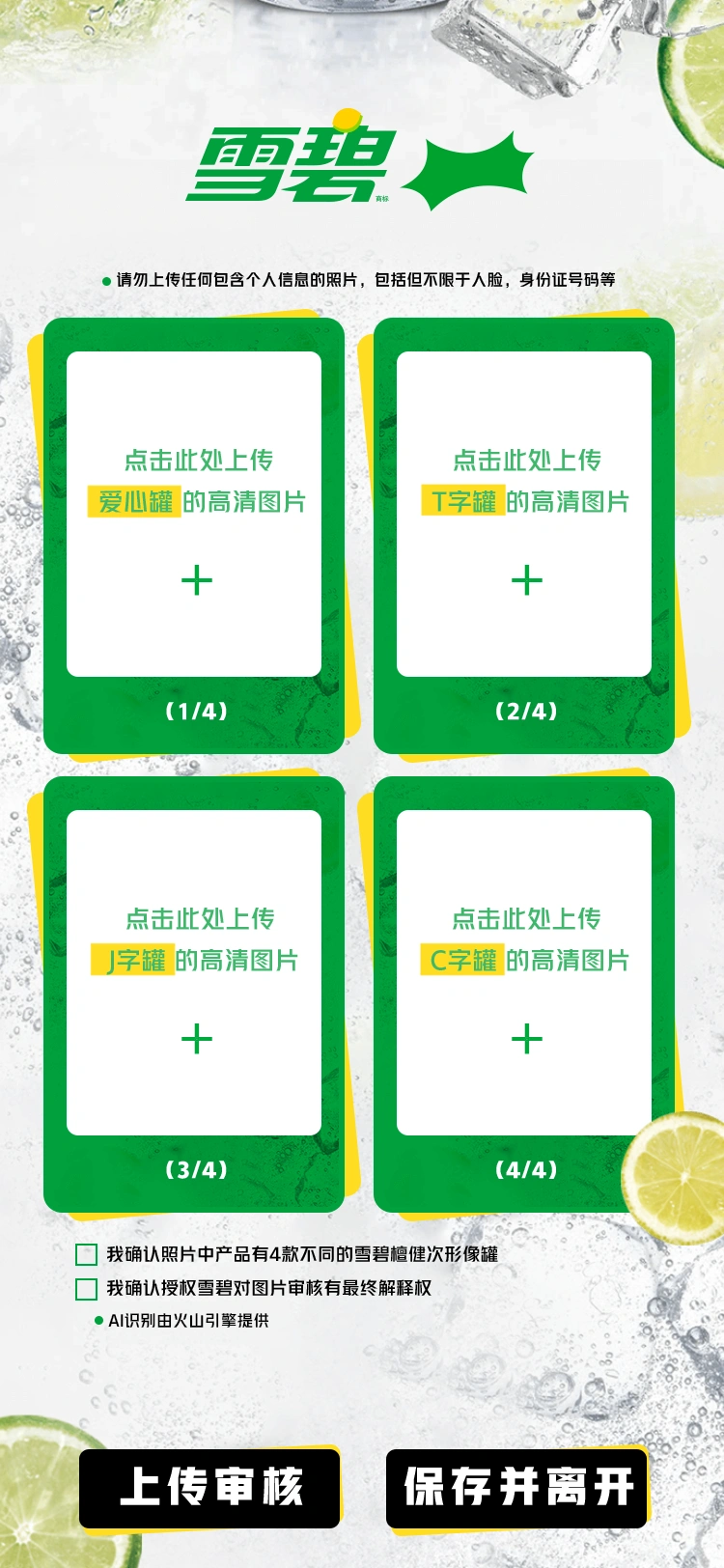
Add a photo for each can
Choose separate images for the heart, T, J and C can slots.
Complete the set
Review the image for each marked can before continuing.
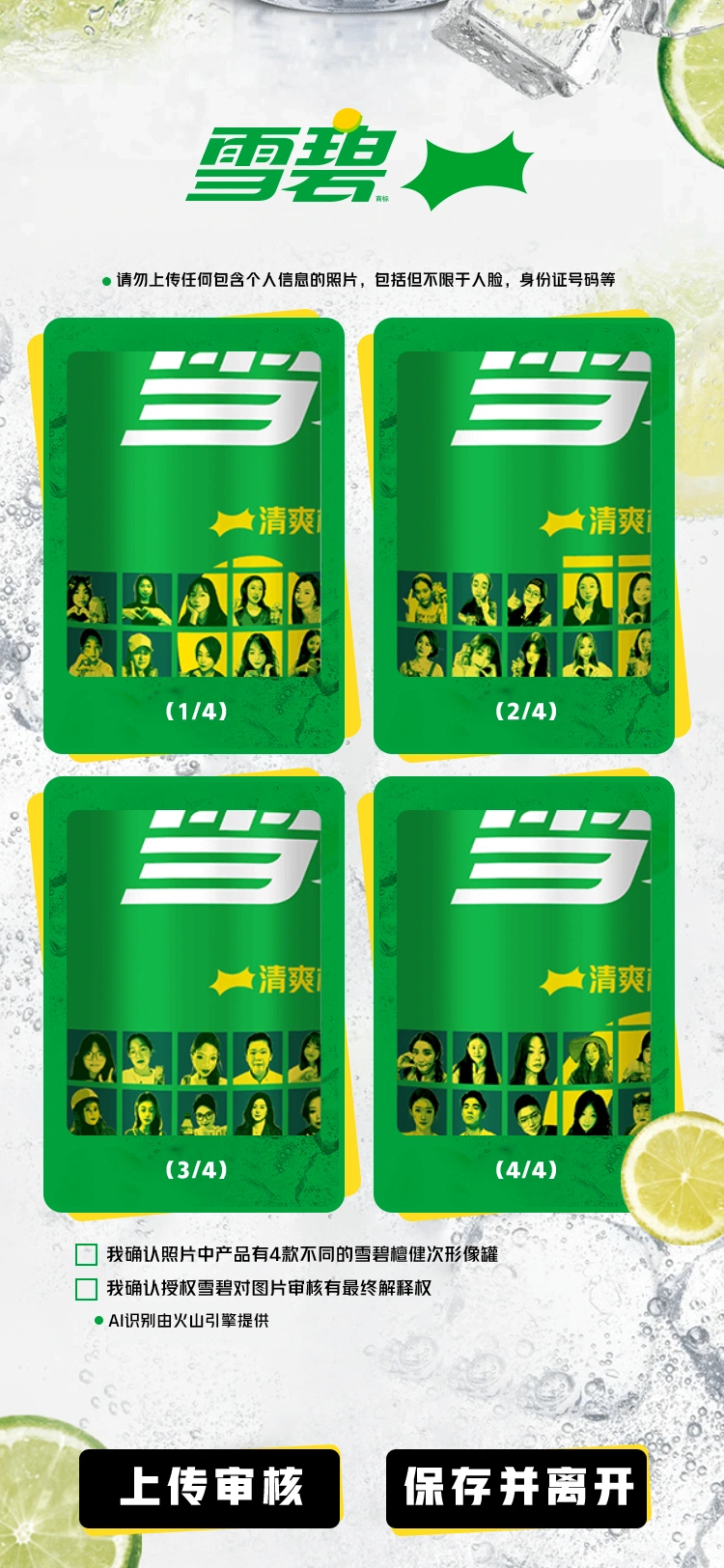
Finish the collection
Continue from the collection confirmation to the gift box.
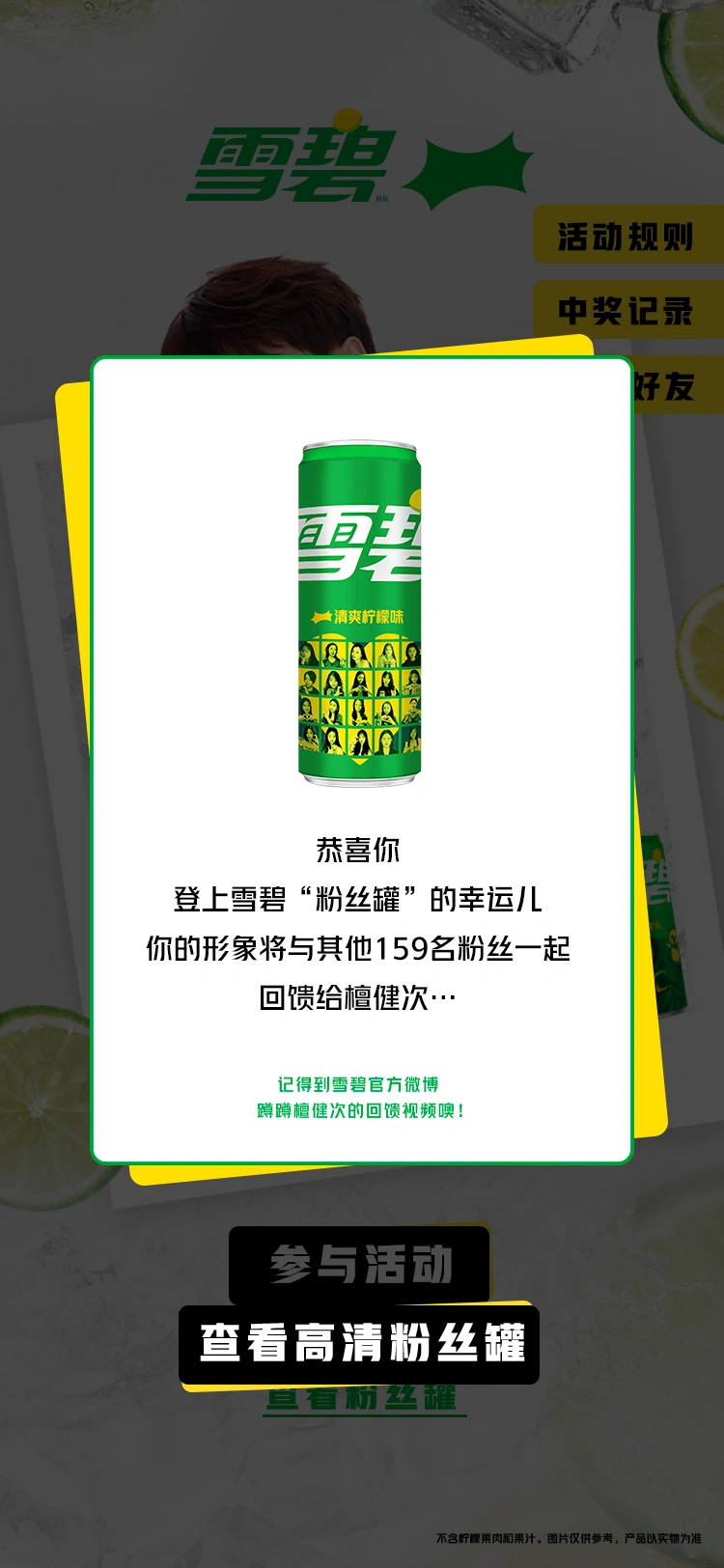
Open the gift box
Select the green gift box to reveal the campaign result screen.
See the prize screen
The result shows the prize artwork and the next step to the claim details.
Enter claim details
The claim form brings together the recipient, region, street address and mobile number.
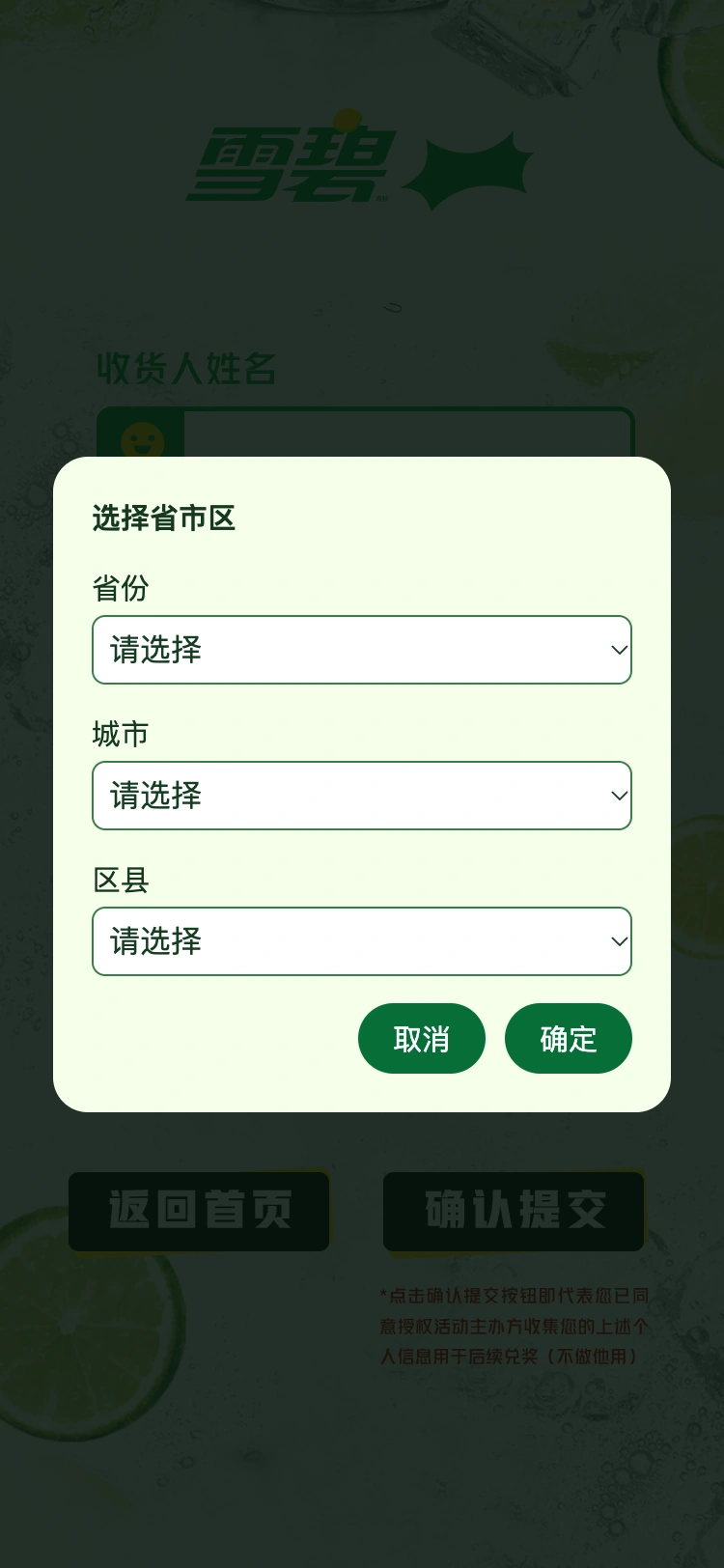
Choose the delivery region
Select a province, city and district, then return to the claim form.
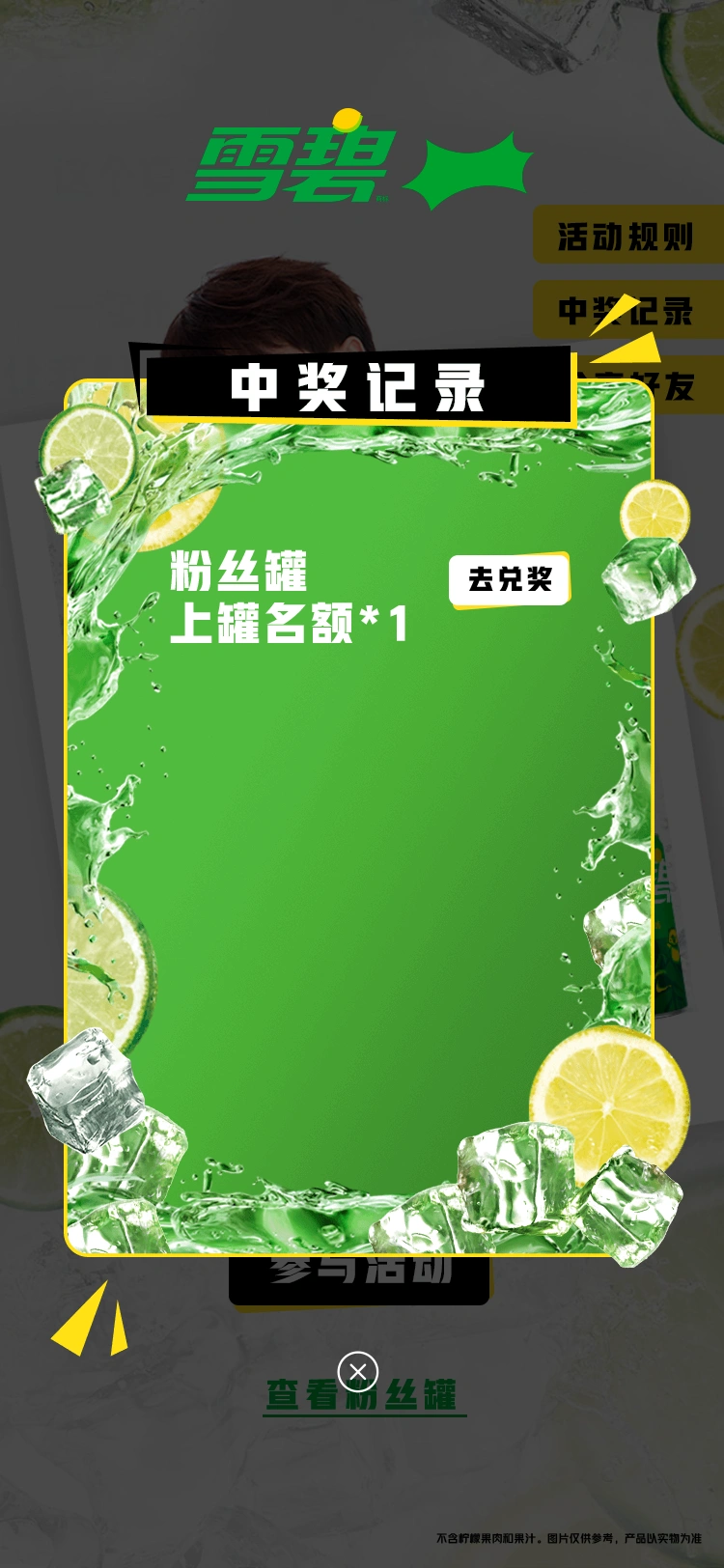
Revisit a prize record
Open the claim details for a prize from the history panel.
Four can designs, one collection challenge
Sprite put a heart and the letters T, J and C on a limited-edition run of Tan Jianci cans. We embedded the H5 campaign in the Coca-Cola Bar mini program and integrated the campaign entry and prize draw. After scanning the poster, participants could read the rules, browse the can gallery and start collecting.
Check each photo before the prize draw
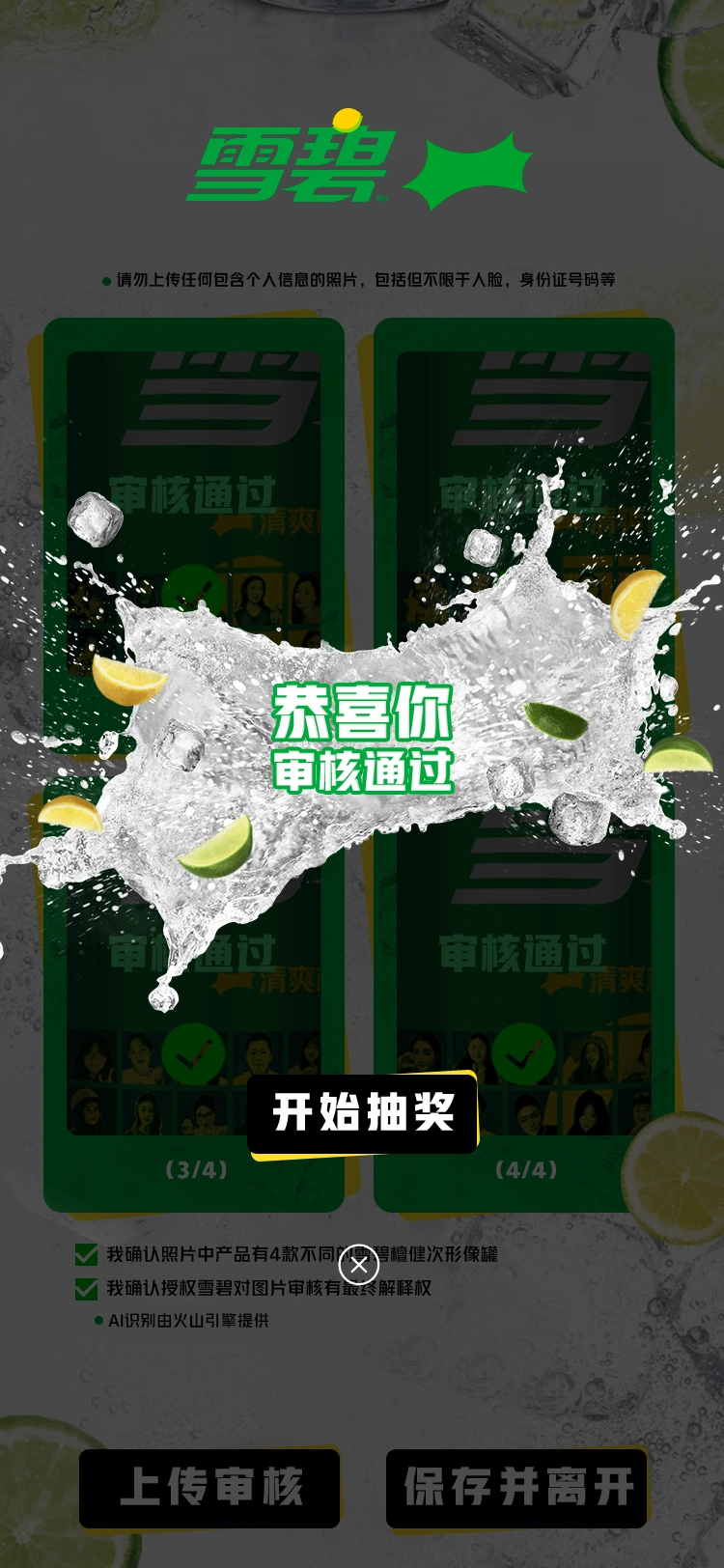
The gallery showed each can from different angles, and the collection form provided a photo slot for the heart, T, J and C designs. We built an AI review backend that checked whether each uploaded photo met the campaign requirements and showed the right can for its slot.
The result appeared next to the relevant photo. If a photo failed review, participants could retake or replace just that one. Once all four passed, they could proceed to the prize draw.
From the gift box to the prize record
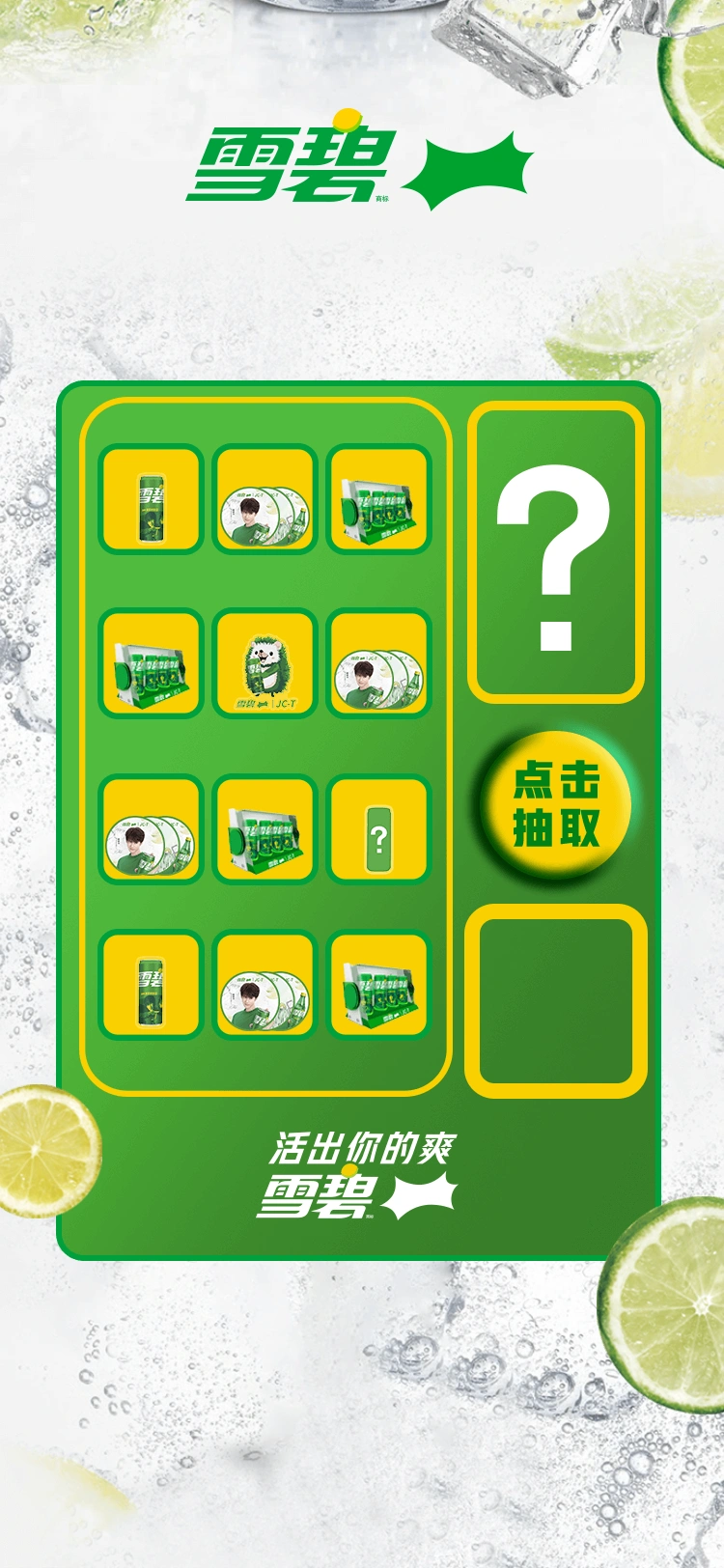
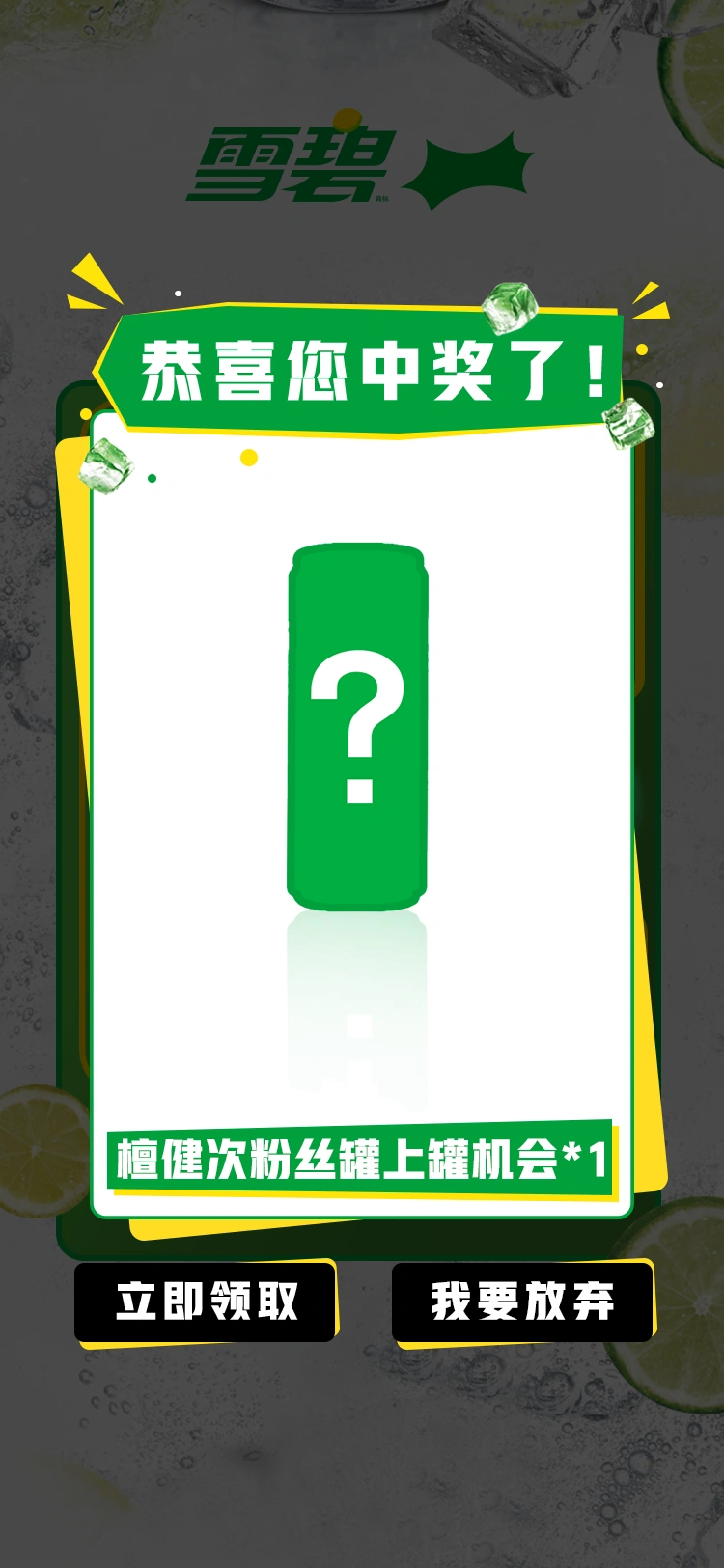
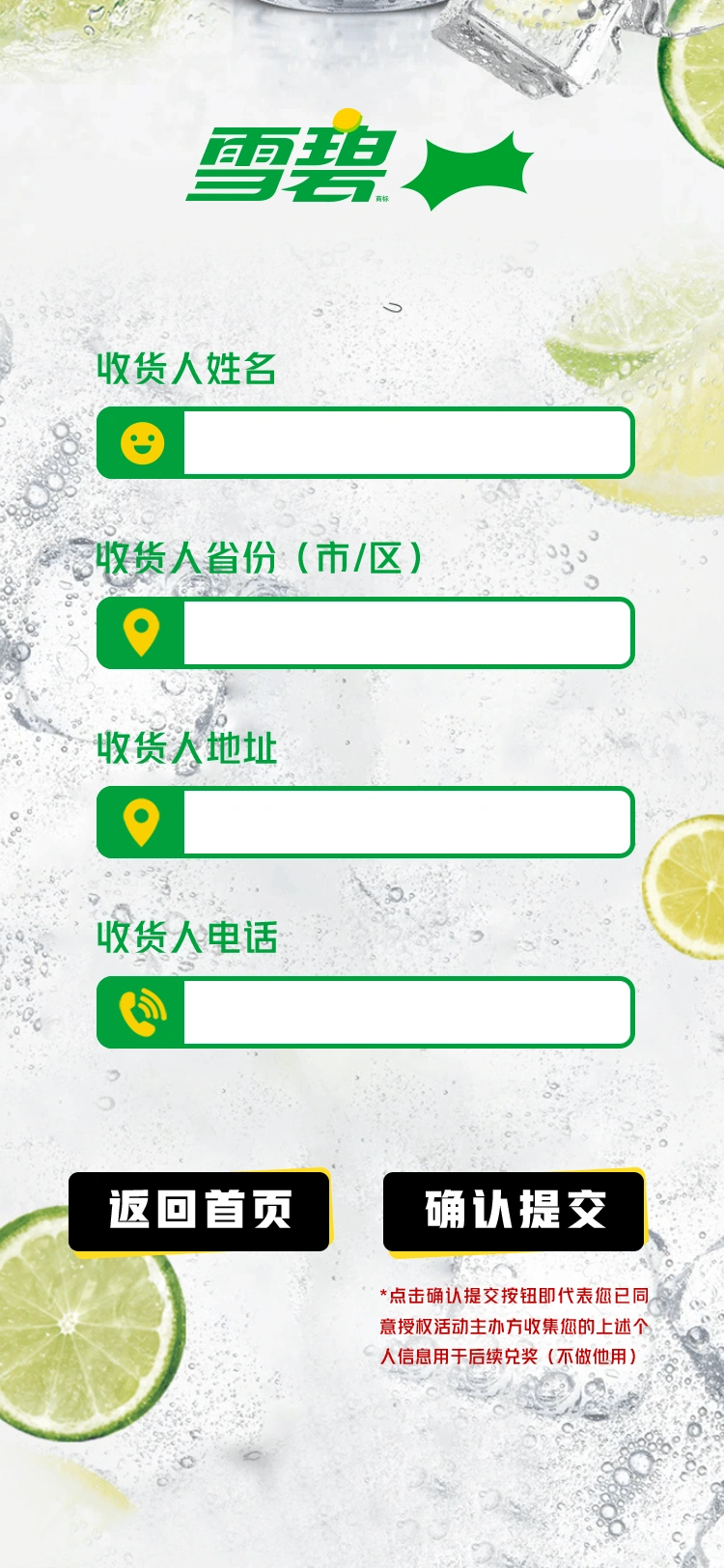
After the collection step, the original campaign led participants to a Sprite gift box that revealed the draw result. Eligible prizes led to a claim form with a region picker and contact fields. The prize history stayed accessible from the campaign landing screen so participants could return to the relevant record later.